Delta Force Hacks — Delta Force hacks hero banner on Windows PC

Loot ESP too cluttered

Loot ESP is way too cluttered - every bandage shows. How do I filter it down to the valuable stuff?

ESP

setup_done OP
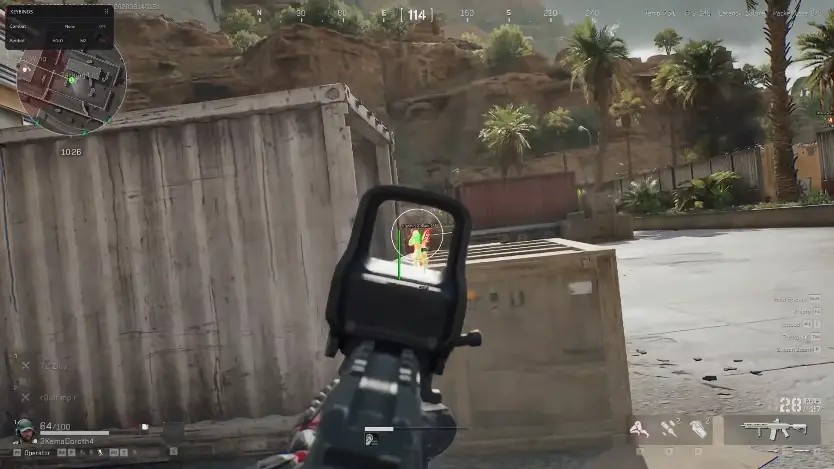
Filtered loot ESP on Zero Dam in Delta Force

My loot ESP is on but it is too cluttered - every bandage and junk crate shows up. Zero Dam is a wall of names and I cannot find the good stuff.

How do you filter this down so only the valuable loot shows? There must be a price floor setting somewhere.

8 Replies

  1. blackhawk

    Set a price floor — I run a mid-tier cutoff so bandages drop off. Instantly cuts the junk and Zero Dam becomes readable.

  2. qbz_click

    Also use the loot filters for rarity and toggle corpses, AI, and computers separately. You can color the valuable categories too.

  3. dfhacks_staff Staff ✓ Solution

    Set a loot price floor, enable the item filter, and toggle corpses / AI / computers separately. Names, rarity, and prices stay on. Full option list is on Features.

  4. setup_done OP

    Where is the price floor — under loot settings?

  5. blackhawk

    Yeah, loot section. Bump it until the cheap crates disappear. Space City needs a higher floor than Zero Dam.

  6. layali_run

    Save it as a config so you do not redo it every session. I keep one for Operations and one for Warfare.

  7. setup_done OP

    Price floor plus a saved config fixed it. Zero Dam runs are so much cleaner now, thanks.

  8. qbz_click

    For Brakkesh raise the floor higher — the cheap stuff is just noise in there.

This thread is closed. Replies were disabled after the discussion wrapped up. For account or license questions, contact Support.

Related threads